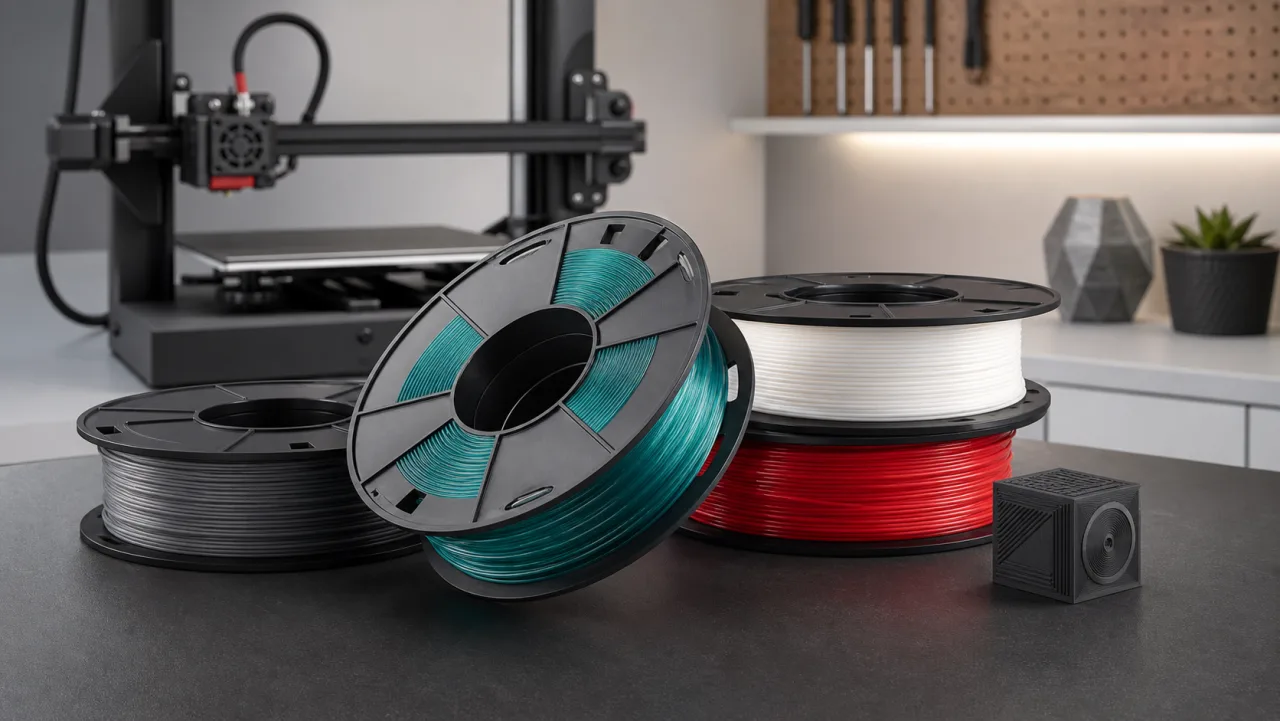
B2B inquiry catalogue
JDTP / Cubifil
Cubifil B2B Filament Inquiries
Material direction for PLA/PETG, diameter, weight, colour, and starting print parameters. Material, batch, stock, shipping, and final pricing are confirmed in writing before purchase.
- Current status
- Confirmed by batch and request
- Material specification
- PLA / PETG · 1.75 mm
- Purchase terms
- MOQ, batch, lead time, and price confirmed in writing
Options
Specifications & Options
For purchasing and stock planning, Cubifil uses material, diameter, net weight, and color as the core selection points.
| Product | Material | Diameter | Net weight | Colors | Printer compatibility |
|---|---|---|---|---|---|
| Cubifil PLA | Standard PLA | 1.75 mm | 1 kg / 2 kg | Confirmed by inquiry | Common FDM/FFF printers that support 1.75 mm filament. |
| Cubifil PETG | Standard PETG | 1.75 mm | 1 kg / 2 kg | Confirmed by inquiry | Common heated-bed FDM/FFF printers that support 1.75 mm filament. |
Colors
Color Options
These swatches show colours you may ask about; they are not live inventory. Exact colour, material, and available quantity are confirmed in the written quote.
WhiteBasic
BlackBasic
GreyNeutral
RedBright
BlueBright
GreenBright
YellowBright
NaturalUtility
Material Series
Material Series
PLA is the easiest choice for visual models and everyday prints, while PETG is better for parts that need more toughness and daily durability.
PLA
Standard PLA
A practical default for most desktop printing needs. PLA is easy to tune, low-warp, and clear in surface detail, making it ideal for education, display models, and quick prototypes.
- Best forFigures, decor, display samples, classroom printing, quick prototypes.
- StrengthsEasy setup, low odor, cooling-friendly behavior, and stable detail reproduction.
- LimitsLower heat resistance and impact resistance than PETG; not ideal for hot environments or long-term load-bearing parts.
- TipStart with moderate speed and strong cooling after the first layers are bonded well.
PETG
Standard PETG
A good choice for prints that need more toughness, stronger layer bonding, and better day-to-day durability than standard PLA.
- Best forFixtures, mounts, organizers, protective parts, lightweight functional components.
- StrengthsBetter toughness, stronger layer adhesion, and improved durability for practical parts.
- LimitsMore prone to stringing; too much cooling can reduce layer bonding, and the first layer should not be over-squished.
- TipUse lower cooling, slower outer walls, and tune with a temperature tower when needed.
Print Guide
Suggested Starting Settings
These are starting ranges for common 1.75 mm filament. Printer model, nozzle setup, part geometry, and room conditions all affect results.
| Material | Nozzle temperature | Bed temperature | Fan | Speed start | Printing notes |
|---|---|---|---|---|---|
| PLA | 190-220°C | 45-60°C | 60-100% | 50-120 mm/s | Good for fast prototypes and visual parts. Slow down the first layer, then increase speed after cooling is stable. |
| PETG | 230-250°C | 70-85°C | 20-50% | 35-80 mm/s | Use lower cooling and slower outer walls. If stringing appears, tune temperature, retraction, and travel speed. |
Storage & Care
Storage & Care
PLA and PETG can both absorb moisture. Keeping filament dry helps reduce stringing, popping, rough surfaces, and inconsistent layer bonding.
After Opening
- Store opened filament in a sealed bag or dry box with desiccant.
- Keep it away from direct sunlight, humid rooms, and high-temperature spaces.
- Secure the filament end in the spool holes when not in use to avoid loose winding.
- Before printing, check that the filament is not crossed, tangled, or blocked on the spool.
Moisture Signs
- Popping at the nozzle, small surface pits, or sudden stringing can indicate moisture.
- For PLA, start drying around 40-45°C for 4-6 hours.
- For PETG, start drying around 55-65°C for 4-6 hours.
- Do not exceed temperatures that the spool or material can tolerate.
Pre-Quote Document Gate
A quote should define the SKU, documents, and batch conditions, not only the price.
These fields come from JDTP's internal Cubifil PLA / PETG product launch operating pack completed on 2026-07-15. It is internal operating proof, not live inventory, a client result, or regulatory approval.
Quote Fields
Confirm material, colour, diameter, net weight, packaging version, quantity, destination, MOQ, lead time, shipping, and price in writing. Page examples do not replace order confirmation.
Supplier Documents
Check manufacturer identity, composition, TDS, SDS or written non-hazardous statement, origin, and product specification for the actual SKU. Missing items remain explicit.
Batch and Packaging Records
When available, confirm COA or inspection evidence, batch identification, packaging BOM, label version, and traceability fields rather than assuming they exist across the line.
Current Commercial Status
This is an inquiry catalogue, not live inventory or direct checkout. JDTP does not request purchase before the actual SKU, available batch, and written commercial terms are confirmed.
Validation boundary: print settings are starting points only. Material performance, printer compatibility, labels, and document completeness must be reviewed for the actual SKU and intended use.