JDTP / Cubifil
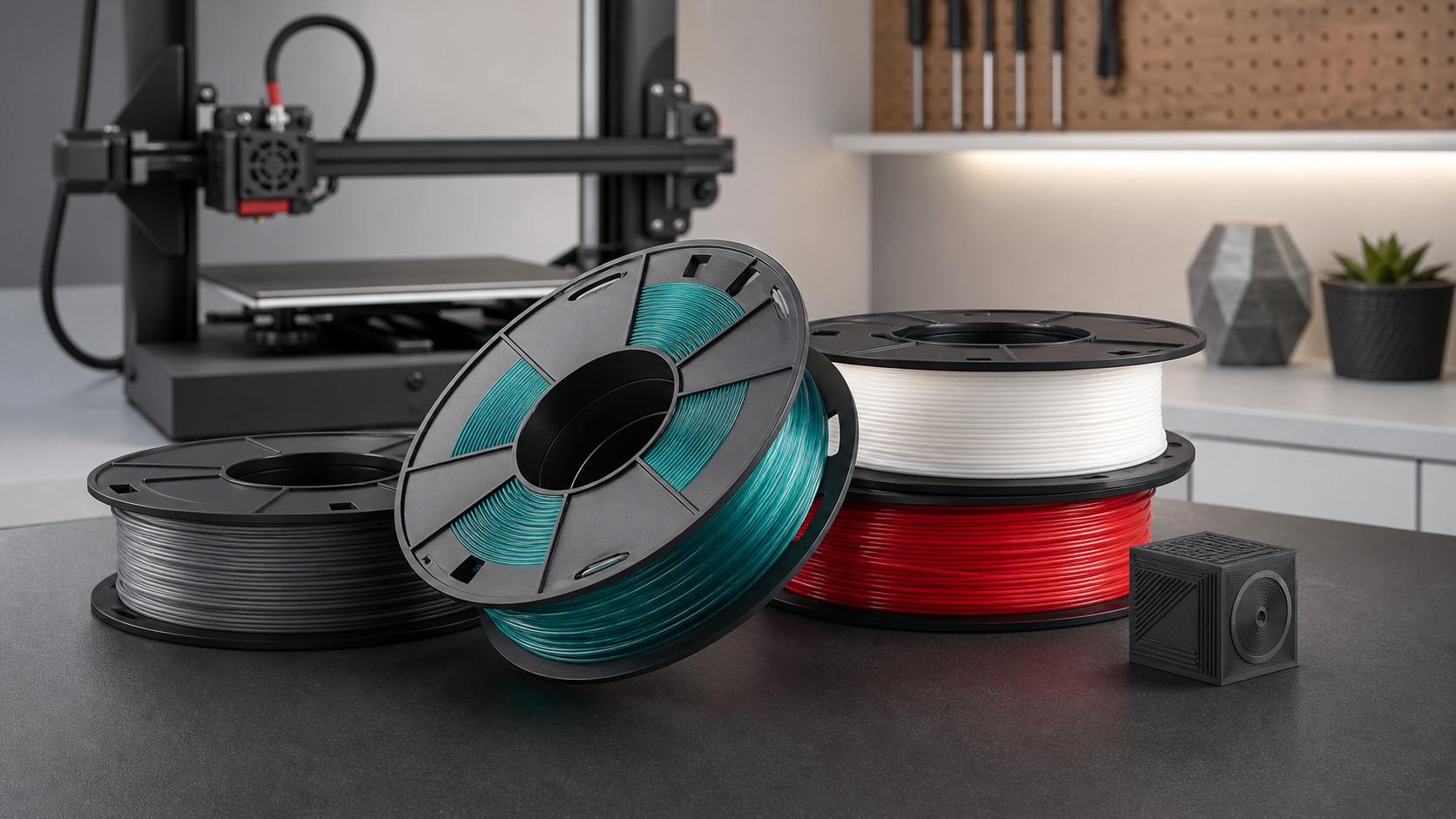
Cubifil 3D Printing Filament
A filament brand built for stable printing, clean surfaces, and fast iteration across prototyping, studio production, education, and everyday making.
- Brand family
- A JDTP product
- Product focus
- FDM/FFF 3D printing filament
- Use cases
- Prototyping, small-batch production, maker education
Options
Specifications & Options
For purchasing and stock planning, Cubifil uses material, diameter, net weight, and color as the core selection points.
| Product | Material | Diameter | Net weight | Colors | Printer compatibility |
|---|---|---|---|---|---|
| Cubifil PLA | Standard PLA | 1.75 mm | 1 kg / 2 kg | Multiple colors | Common FDM/FFF printers that support 1.75 mm filament. |
| Cubifil PETG | Standard PETG | 1.75 mm | 1 kg / 2 kg | Multiple colors | Common heated-bed FDM/FFF printers that support 1.75 mm filament. |
Colors
Color Options
A color section helps customers compare variants quickly. These are suggested color families; active colors can expand by SKU.
WhiteBasic
BlackBasic
GreyNeutral
RedBright
BlueBright
GreenBright
YellowBright
NaturalUtility
Product Information
Product Information
Cubifil is designed for common FDM/FFF printers, focusing on standard PLA and PETG for everyday printing, fast prototyping, and practical parts.
Spool-based 3D printing material for desktop printers, studio equipment, and education environments.
Focused on the 1.75 mm format used by common desktop printers. Final details follow the product packaging.
Common net-weight options cover 1 kg to 2 kg, suitable for personal printing, studio stock, and small-batch continuous use.
A broad color range can cover basic colors, bright tones, and common engineering-look finishes. Exact colors follow the active SKU list.
Spool packaging supports smooth feeding. Batch, diameter, color, and net-weight information follow the product label.
Label & Support
Label & Support
A useful filament page should help customers identify the product, request documentation, and start tuning prints with confidence.
Package Label
Labels should clearly show material, color, net weight, diameter, batch number, suggested temperature range, and storage notes.
Material / Color / BatchDocumentation
Technical data sheets and safety data sheets can be provided on request for purchasing, storage, and business records.
TDS / SDSPrint Profiles
PLA and PETG starting settings are included; printer-specific slicer profiles can be added later.
PLA / PETG ProfilesMaterial Series
Material Series
PLA is the easiest choice for visual models and everyday prints, while PETG is better for parts that need more toughness and daily durability.
PLA
Standard PLA
A practical default for most desktop printing needs. PLA is easy to tune, low-warp, and clear in surface detail, making it ideal for education, display models, and quick prototypes.
- Best forFigures, decor, display samples, classroom printing, quick prototypes.
- StrengthsEasy setup, low odor, cooling-friendly behavior, and stable detail reproduction.
- LimitsLower heat resistance and impact resistance than PETG; not ideal for hot environments or long-term load-bearing parts.
- TipStart with moderate speed and strong cooling after the first layers are bonded well.
PETG
Standard PETG
A good choice for prints that need more toughness, stronger layer bonding, and better day-to-day durability than standard PLA.
- Best forFixtures, mounts, organizers, protective parts, lightweight functional components.
- StrengthsBetter toughness, stronger layer adhesion, and improved durability for practical parts.
- LimitsMore prone to stringing; too much cooling can reduce layer bonding, and the first layer should not be over-squished.
- TipUse lower cooling, slower outer walls, and tune with a temperature tower when needed.
Print Guide
Suggested Starting Settings
These are starting ranges for common 1.75 mm filament. Printer model, nozzle setup, part geometry, and room conditions all affect results.
| Material | Nozzle temperature | Bed temperature | Fan | Speed start | Printing notes |
|---|---|---|---|---|---|
| PLA | 190-220°C | 45-60°C | 60-100% | 50-120 mm/s | Good for fast prototypes and visual parts. Slow down the first layer, then increase speed after cooling is stable. |
| PETG | 230-250°C | 70-85°C | 20-50% | 35-80 mm/s | Use lower cooling and slower outer walls. If stringing appears, tune temperature, retraction, and travel speed. |
Storage & Care
Storage & Care
PLA and PETG can both absorb moisture. Keeping filament dry helps reduce stringing, popping, rough surfaces, and inconsistent layer bonding.
After Opening
- Store opened filament in a sealed bag or dry box with desiccant.
- Keep it away from direct sunlight, humid rooms, and high-temperature spaces.
- Secure the filament end in the spool holes when not in use to avoid loose winding.
- Before printing, check that the filament is not crossed, tangled, or blocked on the spool.
Moisture Signs
- Popping at the nozzle, small surface pits, or sudden stringing can indicate moisture.
- For PLA, start drying around 40-45°C for 4-6 hours.
- For PETG, start drying around 55-65°C for 4-6 hours.
- Do not exceed temperatures that the spool or material can tolerate.
Troubleshooting
Common Print Issues
When print quality is unstable, start by checking temperature, first-layer setup, cooling, retraction, and filament dryness.
| Symptom | Possible cause | Suggested adjustment |
|---|---|---|
| Poor first-layer adhesion | Nozzle too far from bed, bed too cool, or surface dust/oil. | Re-level, clean the bed, slow the first layer, and tune bed temperature within the suggested range. |
| Heavy stringing | Nozzle too hot, retraction too low, or moisture in the filament. Common with PETG. | Lower nozzle temperature, tune retraction distance/speed, and dry the material if needed. |
| Weak layer bonding | Temperature too low, fan too strong, or print speed too high. | Increase nozzle temperature, reduce cooling, and slow outer walls or overall speed. |
| Rough surface or bubbles | Moist filament, overheated nozzle, or inconsistent extrusion. | Dry the filament, clean the nozzle, and recalibrate extrusion and temperature. |
Why Cubifil
Designed for consistent output
Cubifil centers on standard PLA and PETG, with 1-2 kg net-weight options and a broad color range for everyday printing and stocked workflows.
Smooth Feeding
Built around common desktop printing workflows, with emphasis on tidy winding, steady extrusion, and easy day-to-day handling.
Clean Forming
Suited for showing model detail, color control, surface quality, and efficient iteration from concept to functional print.
Core Material Set
The line centers on PLA and PETG, covering everyday models, classroom printing, and practical functional parts.